
In the fast-paced world of blockchain innovation, developers seeking sovereignty over their rollups often grapple with the balance between customization and speed-to-launch. Enter the Arbitrum Orbit L3 appchain boilerplate from L3Boilerplate. com - a meticulously crafted L3 appchain template that empowers teams to deploy sovereign rollup boilerplates with Ethereum-grade security and app-specific flexibility. Drawing from Arbitrum's Nitro codebase, this boilerplate transforms the complexity of Orbit appchain deployment into a streamlined process, complete with L3 DevRel kits for marketing and docs. Whether you're building a gaming ecosystem or a DeFi hub, this foundation lets you focus on unique value rather than boilerplate drudgery.
Assembling Your Development Environment
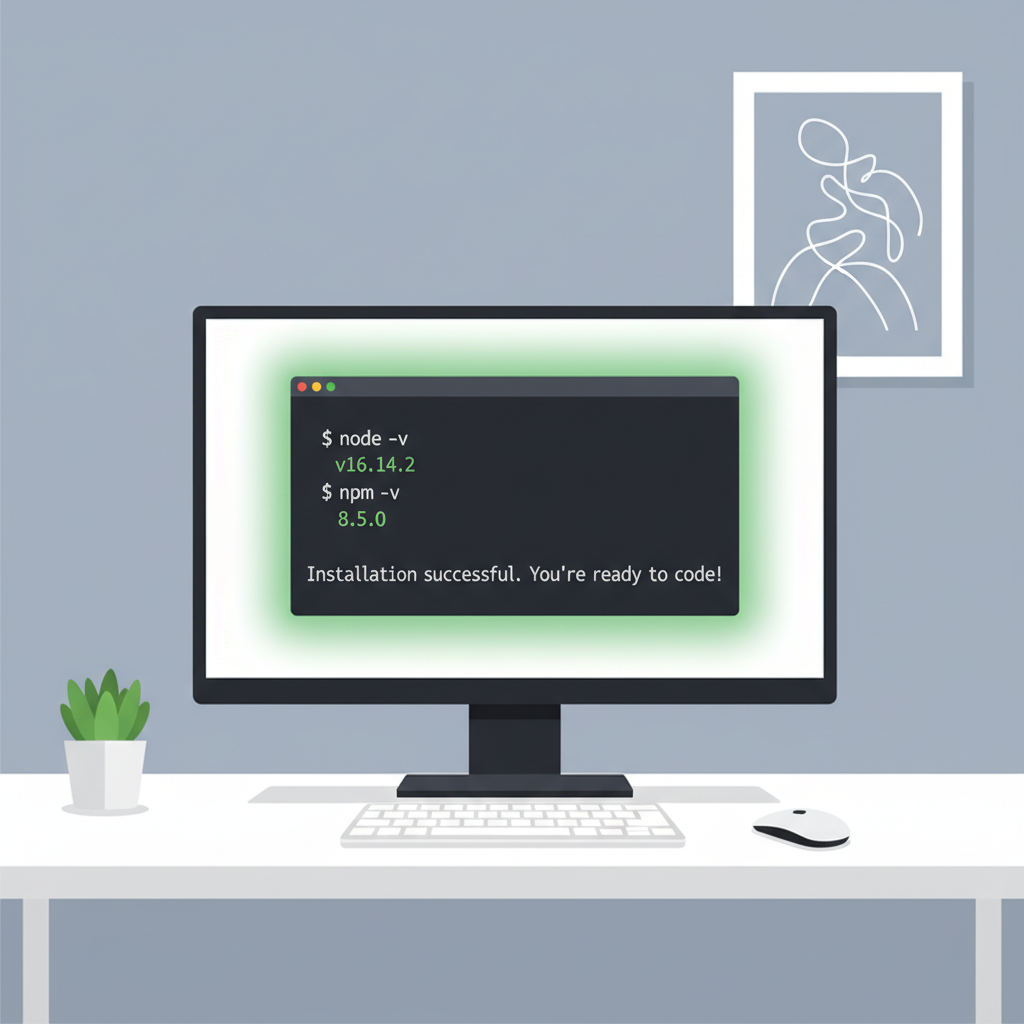
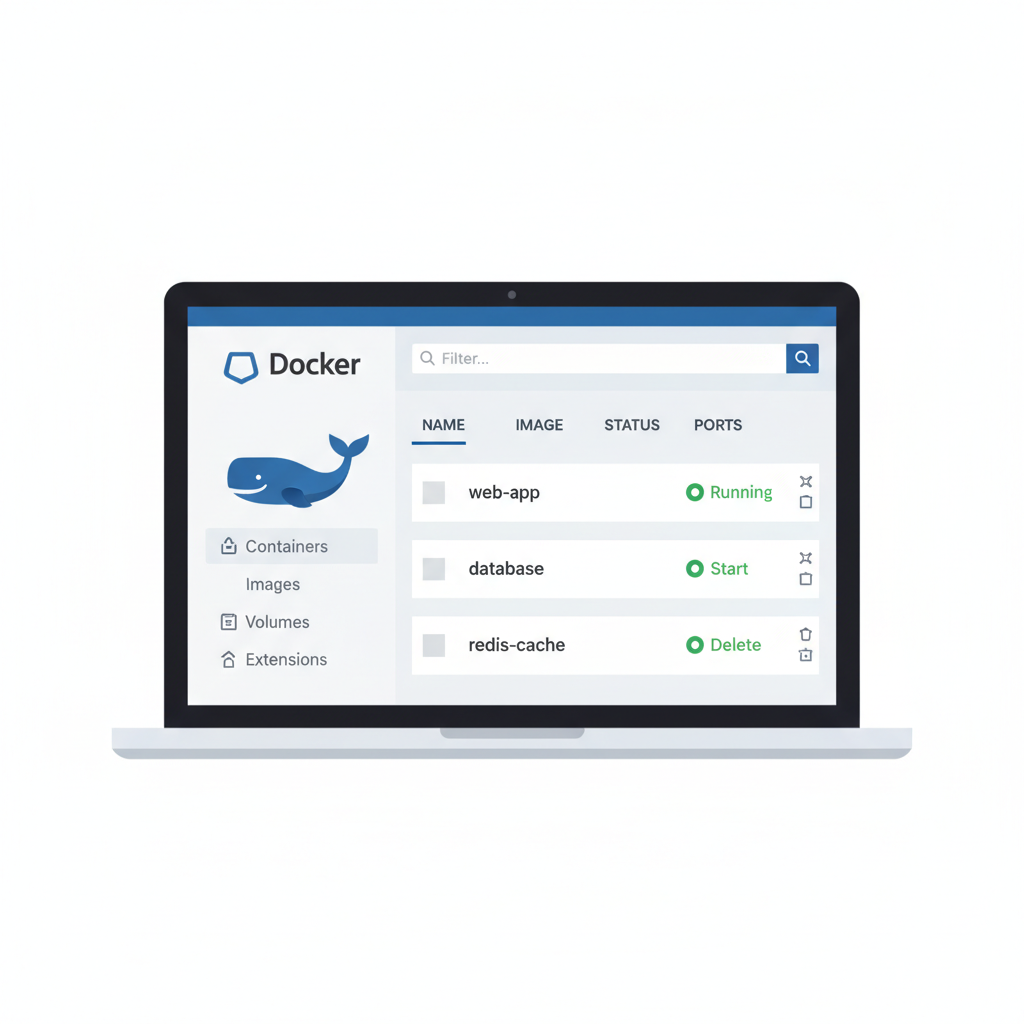
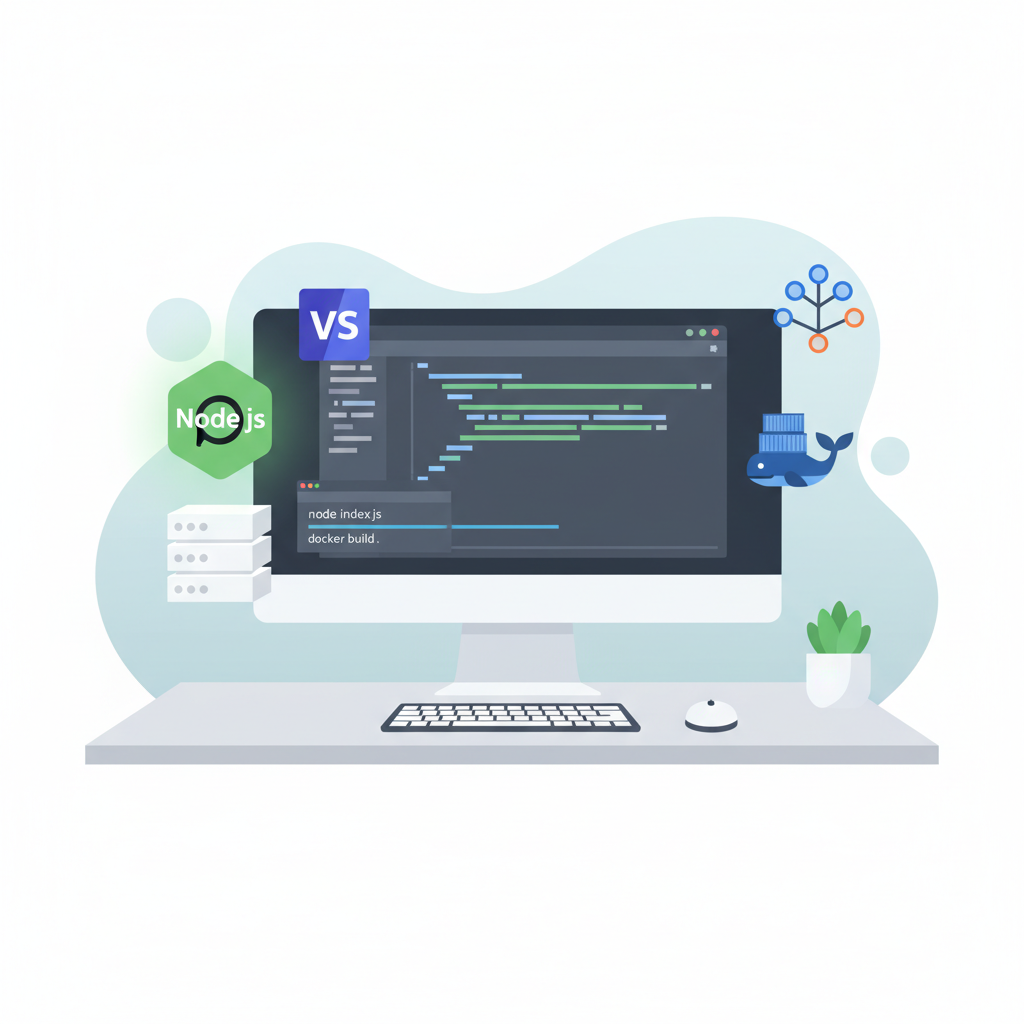
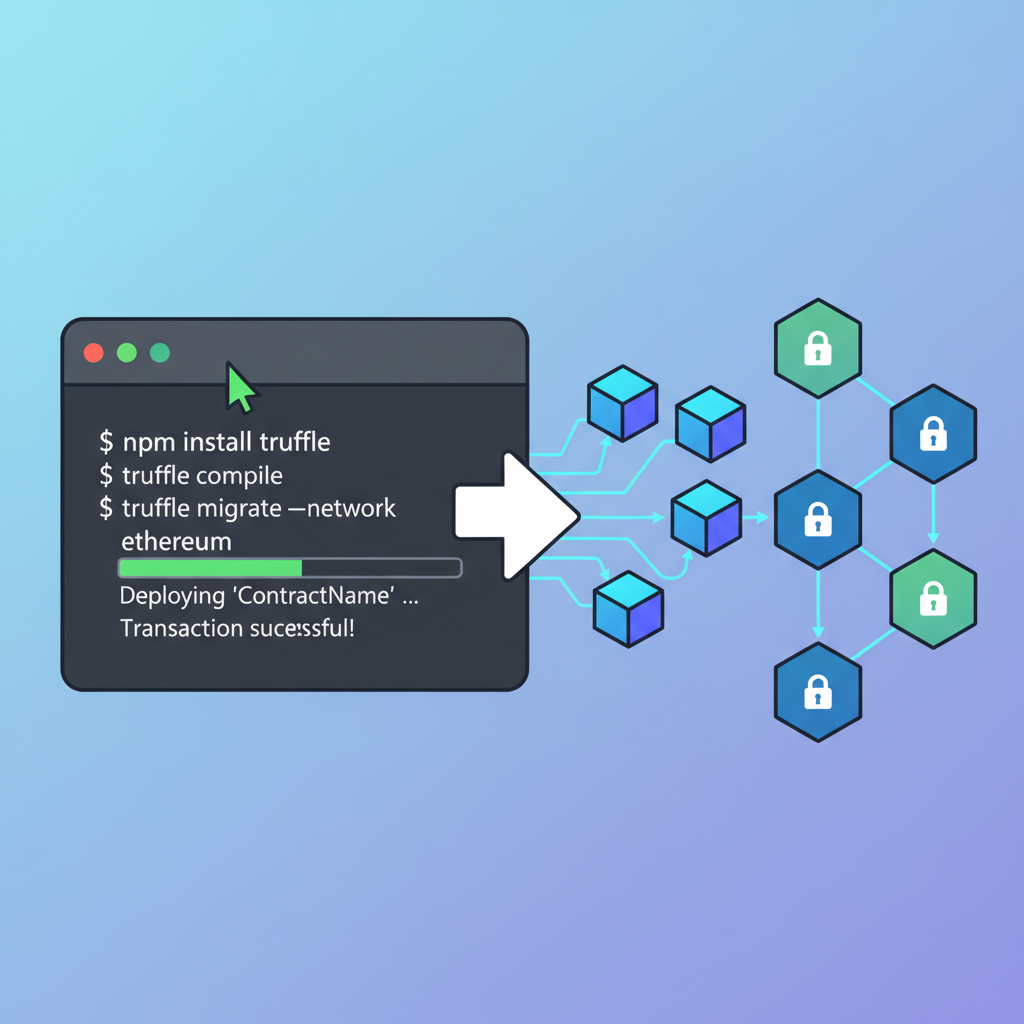
Success with Arbitrum Orbit hinges on a rock-solid setup from the outset. Arbitrum Orbit's framework shines in its modularity, but overlooking prerequisites can lead to deployment headaches. Start by ensuring your machine runs Node. js version 16 or higher alongside npm or yarn for package management. Docker becomes indispensable for spinning up local nodes and testing chains in isolation, while Git handles repository cloning and version control seamlessly. A robust code editor like VS Code, paired with extensions for Solidity and Rust, elevates productivity.
Essential Dev Environment Setup for Arbitrum Orbit L3 Appchain
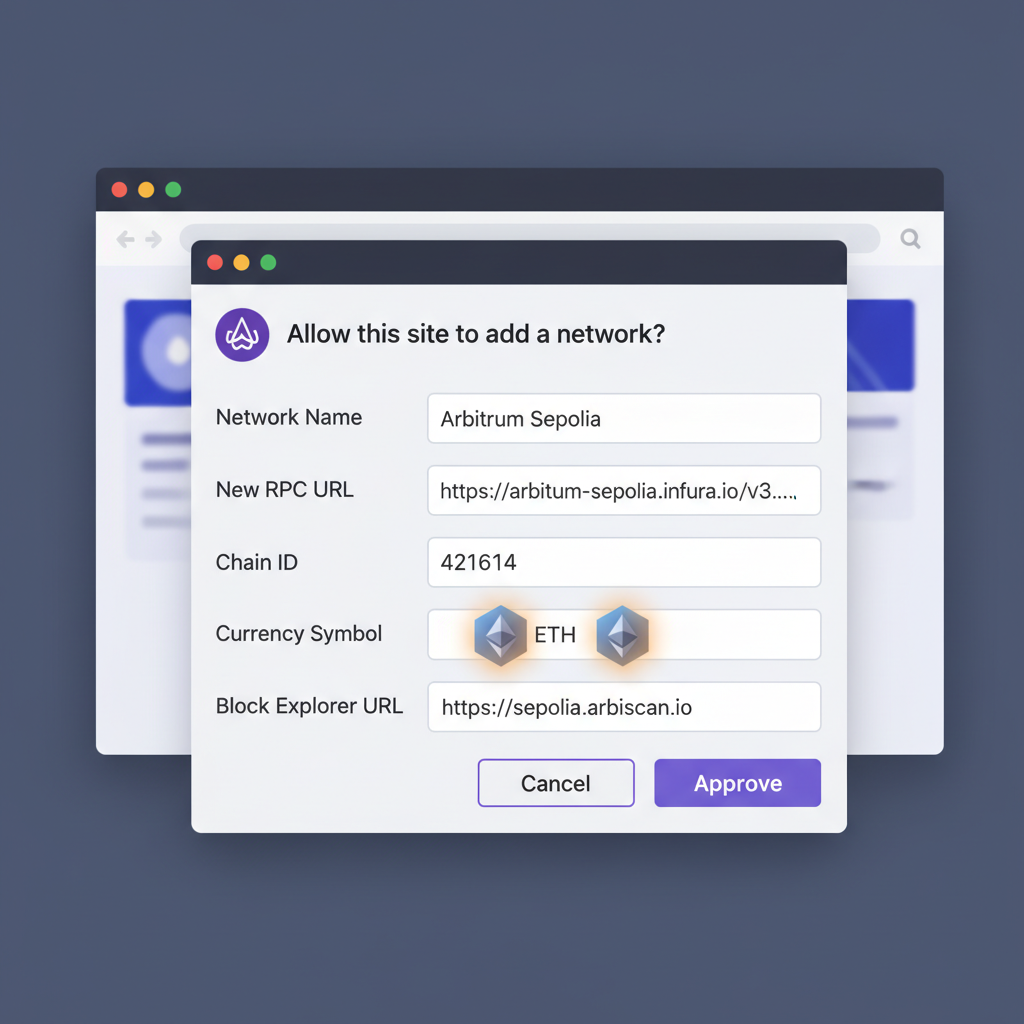
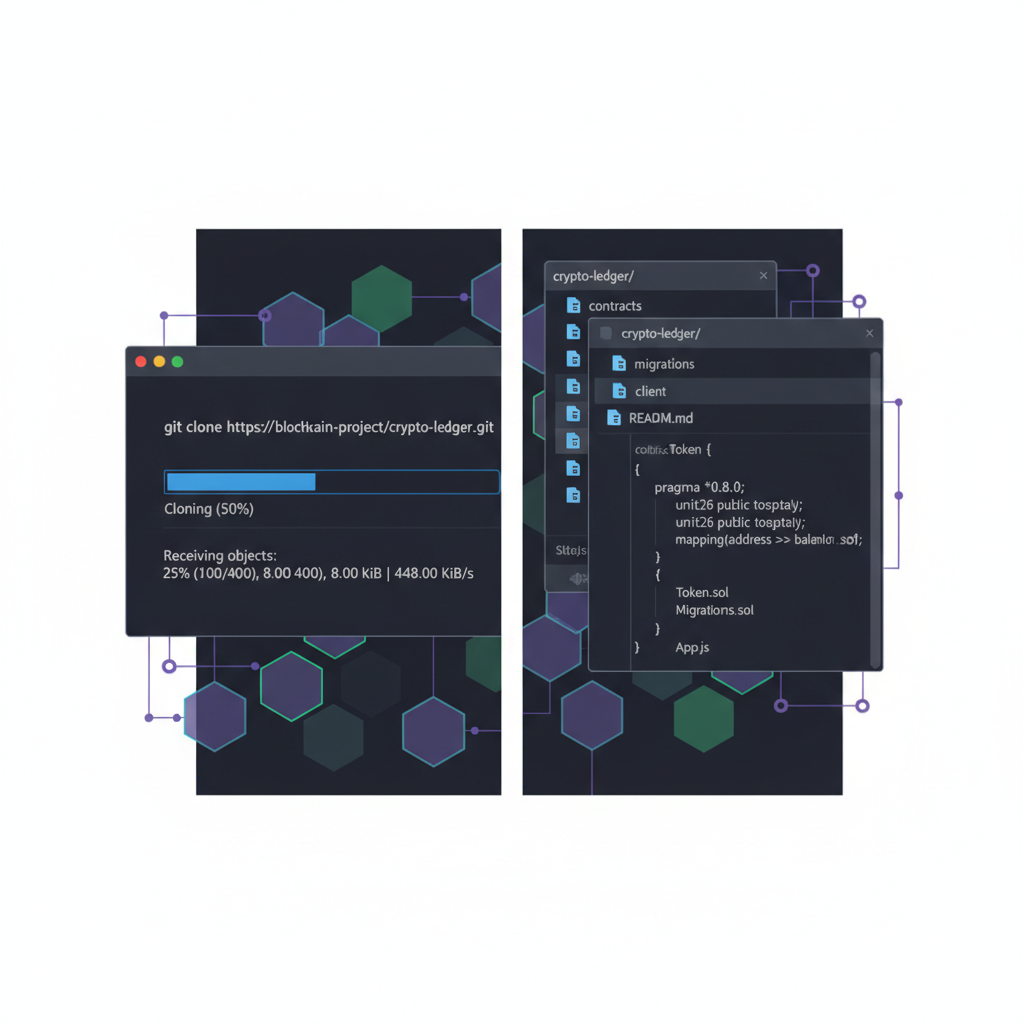
Configure MetaMask early to interact with the Arbitrum Sepolia testnet, bridging assets and signing transactions effortlessly. This environment not only supports core development but also integrates with our L3 DevRel kit, providing SEO-optimized docs templates to document your chain's launch. In my experience managing crypto portfolios, environments like this mirror the discipline needed for on-chain strategies - methodical and resilient.
Funding and Deploying Core Contracts
With your toolkit ready, the next pivot is acquiring testnet resources. Head to faucets on Arbitrum Sepolia to secure at least 1.2 ETH - a buffer against gas volatility during deployments. This isn't mere housekeeping; it's strategic provisioning, akin to token allocations in a balanced Web3 portfolio. Underestimating gas can stall your Orbit appchain deployment, as explicit limits prevent the all-too-common revert errors.
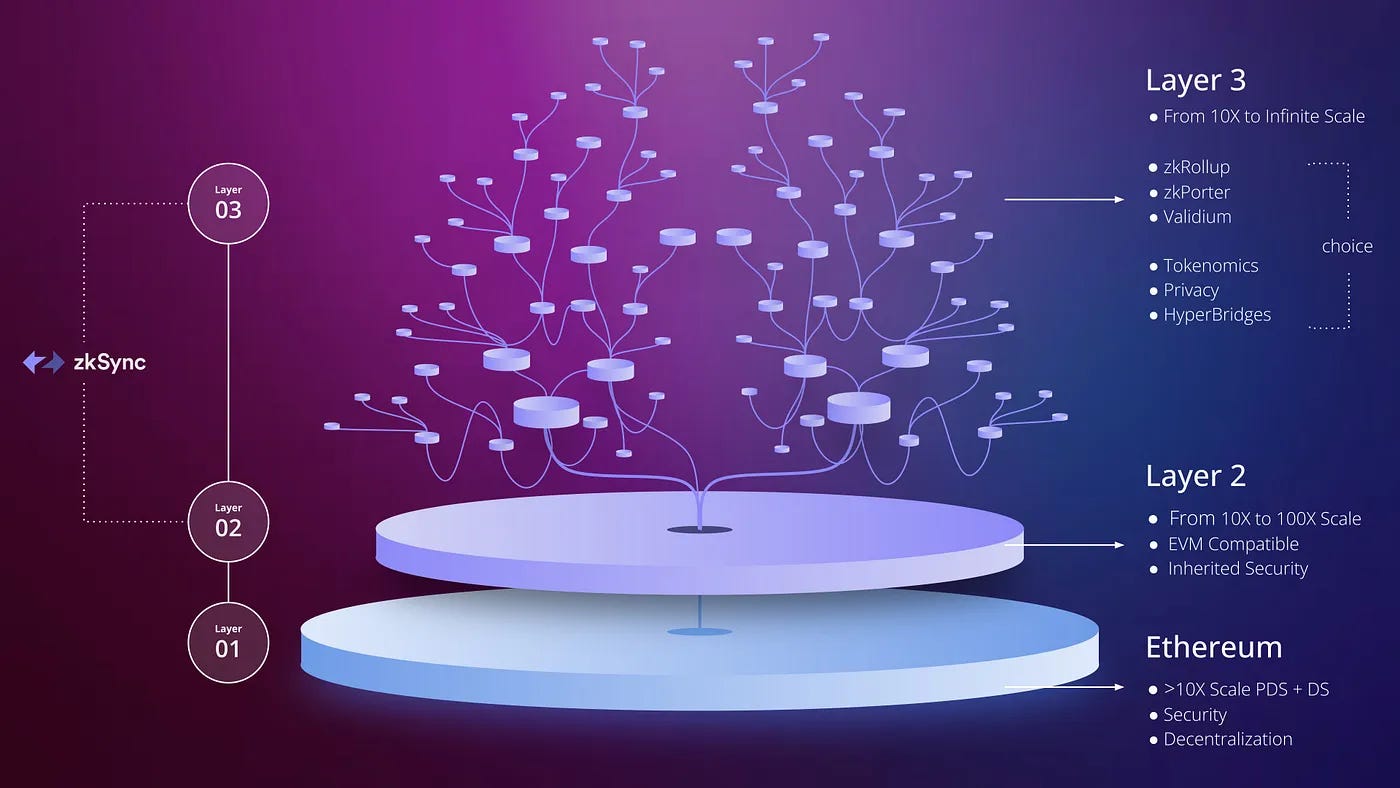
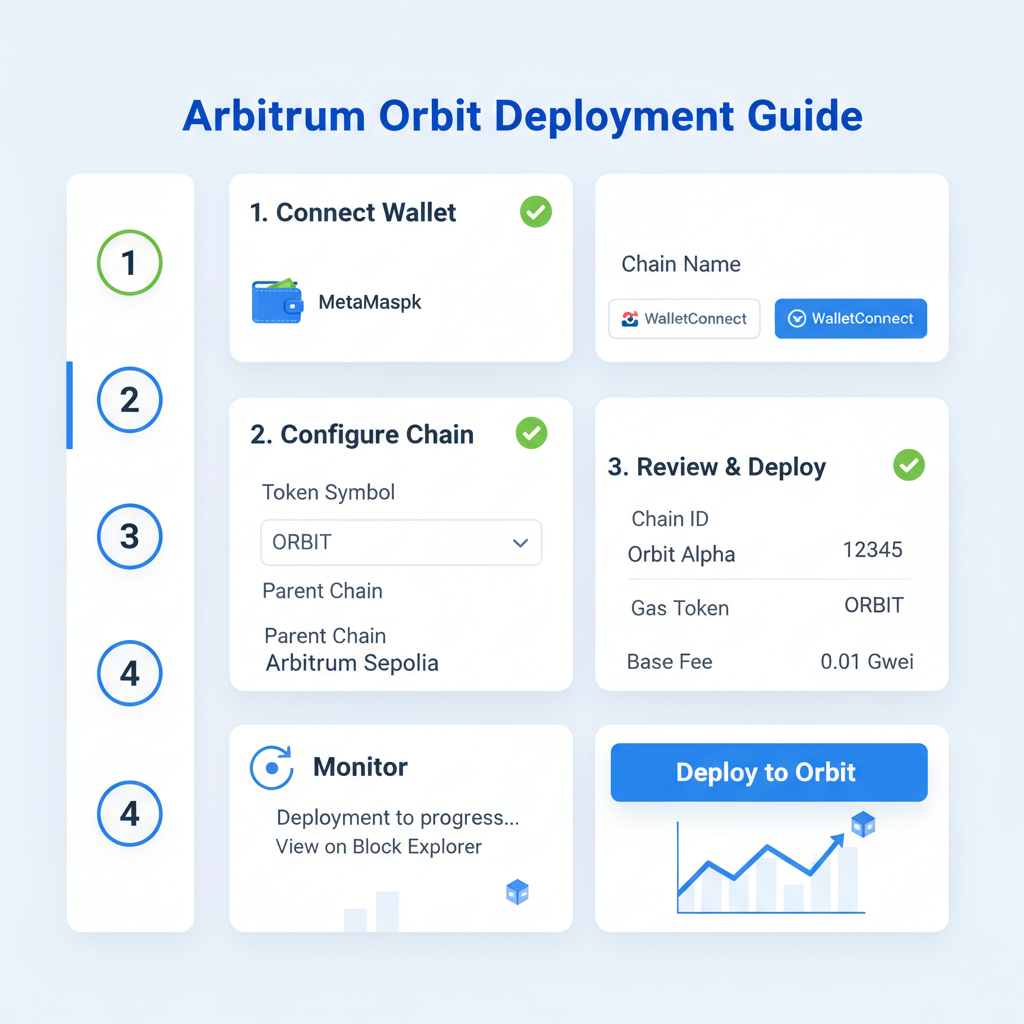
Leverage the Arbitrum Orbit SDK to deploy core contracts to the parent chain. Our sovereign rollup boilerplate pre-configures these scripts, injecting parameters for chain ID, gas receiver, and sequencer addresses. Run the deployment command with heightened gas allocations, monitoring console output for confirmations. This phase solidifies your L3's anchor to Arbitrum's ecosystem, inheriting fraud proofs and AnyTrust options while allowing sovereign tweaks.
Once deployed, verify contracts via Etherscan equivalents on Sepolia. This milestone unlocks customization, where Arbitrum Orbit truly differentiates from rigid alternatives like Cosmos SDK or Substrate. Zeeve's insights reinforce Orbit's edge for app-specific rollups, blending native Ethereum compatibility with bespoke features.
Unlocking Customization Levers
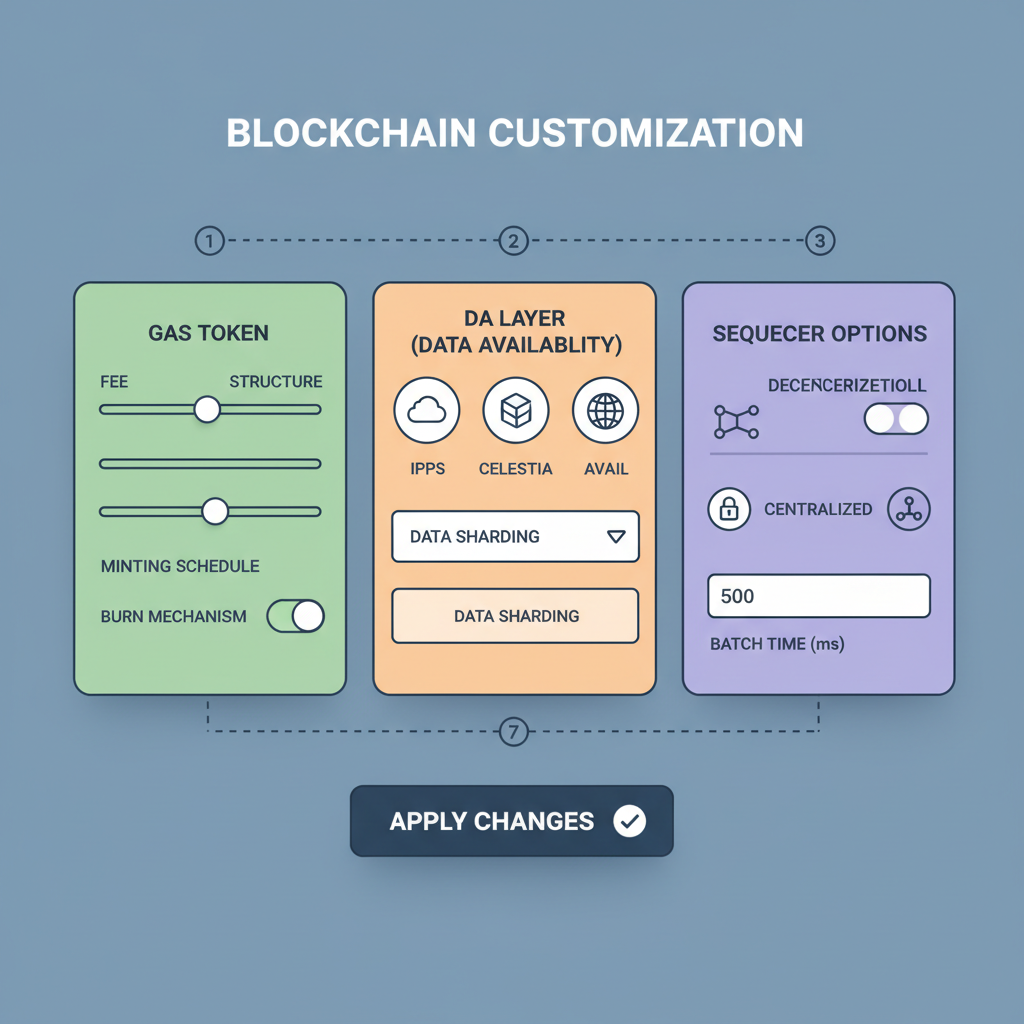
Customization elevates a generic rollup to a tailored powerhouse. Begin with native gas tokens: designate an ERC-20 as your chain's fuel, crafting tokenomics that align incentives uniquely. Partners like Ankr showcase this via aSphere integrations, proving viability for real-world apps. Data availability layers offer another frontier - stick with Ethereum DA for purity, or venture into Celestia, Near, Avail, or Eigen for cost efficiencies. Our Arbitrum Orbit L3 boilerplate includes modular configs to swap these seamlessly.
Sequencer choices further personalize: centralized for rapid iteration, decentralized for permissionless ethos. Edit the Nitro codebase directly - navigate to precompiles for custom implementations, or rebuild the replay binary to enable fraud proofs. GitHub's arbitrum-tutorials repo provides demos to accelerate this, mirroring the hands-on ethos of our L3 appchain template. From my vantage blending macro trends with technicals, these levers position Orbit chains for scalability without sacrificing sovereignty.
Precompiles offer a gateway to embed custom logic directly into the EVM, sidestepping standard opcodes for efficiency. Arbitrum's docs guide you to the/precompiles directory: craft a new file like ArbHi. go, implement your interface, and recompile the node. This isn't tinkering; it's engineering competitive edges, whether accelerating game state transitions or optimizing DeFi oracles. Our sovereign rollup boilerplate scaffolds these changes, saving weeks of trial-and-error.
Launch Your Custom Arbitrum Orbit L3 Appchain with QuickNode

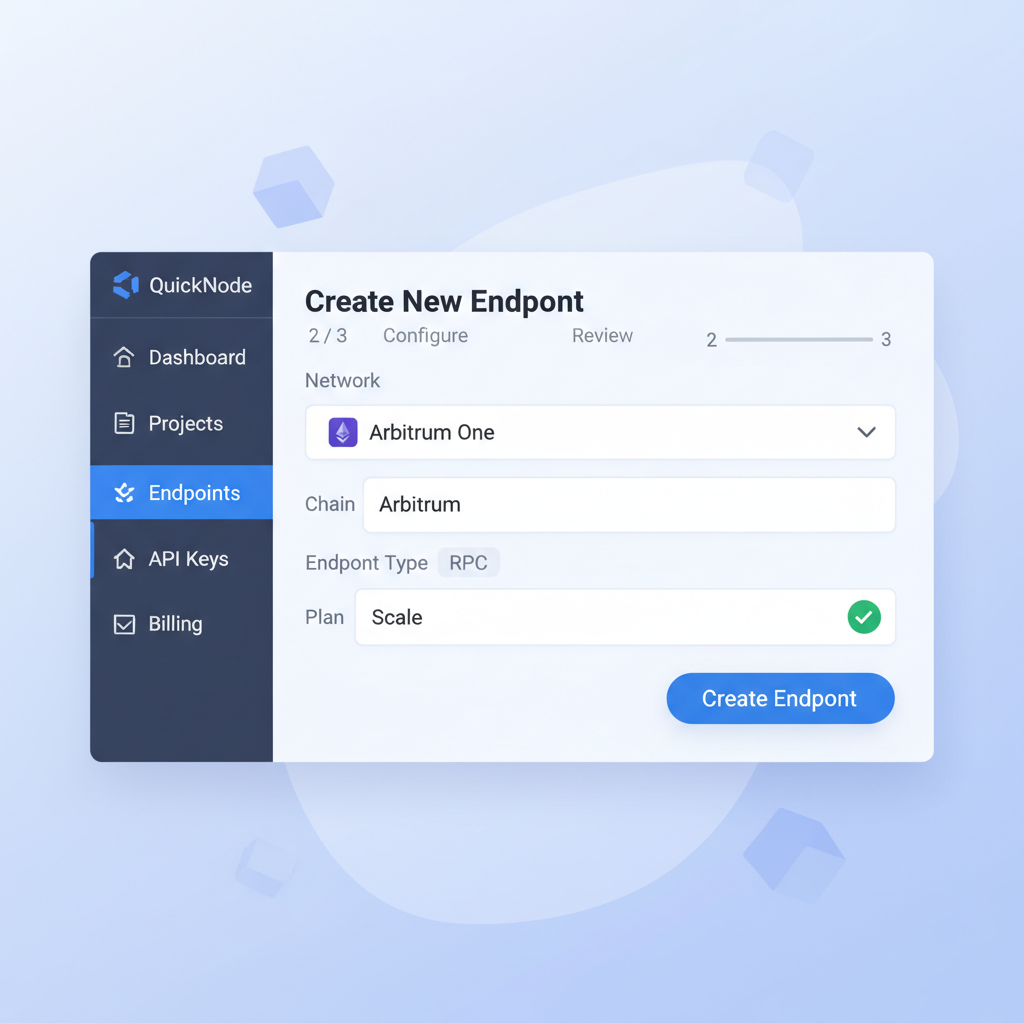
Fraud proofs demand rebuilding the replay binary, a step that fortifies your chain against disputes while preserving Orbit's permissioned verifier model. QuickNode and Zeeve resources underscore how these tweaks make Orbit the premier choice over Cosmos or Substrate for Ethereum-aligned teams. In portfolio terms, it's like layering hedges: base security from Arbitrum, upside from sovereign controls.
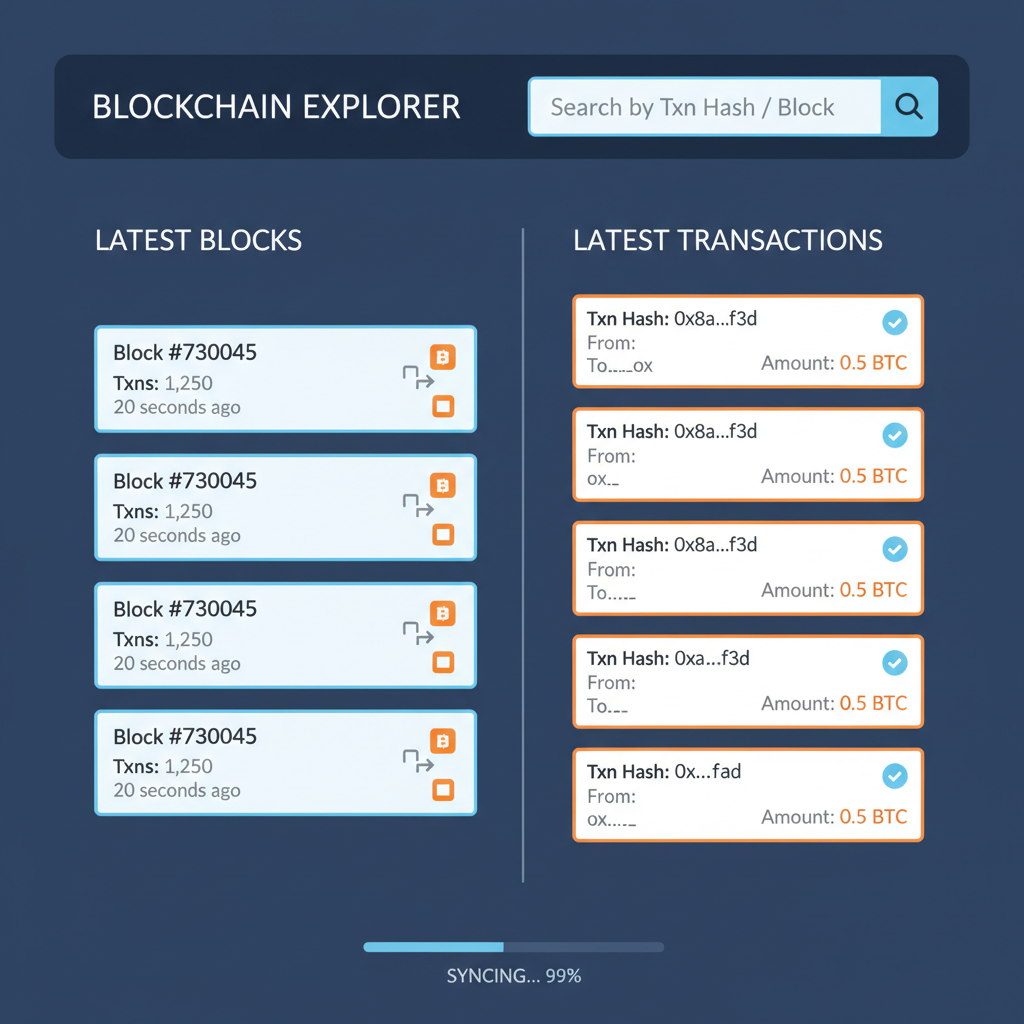
Visibility transforms a nascent chain into a credible network. Blockscout's compatibility with Orbit shines here - deploy an instance via Docker, pointing it to your L3 RPC endpoints. Services like Autoscout streamline this, bypassing heavy DevOps for plug-and-play monitoring. Track blocks, transactions, and balances without custom indexing, essential for user trust and debugging.
Launch Blockscout Explorer for Arbitrum Orbit L3: Docker, Config & Nginx Setup
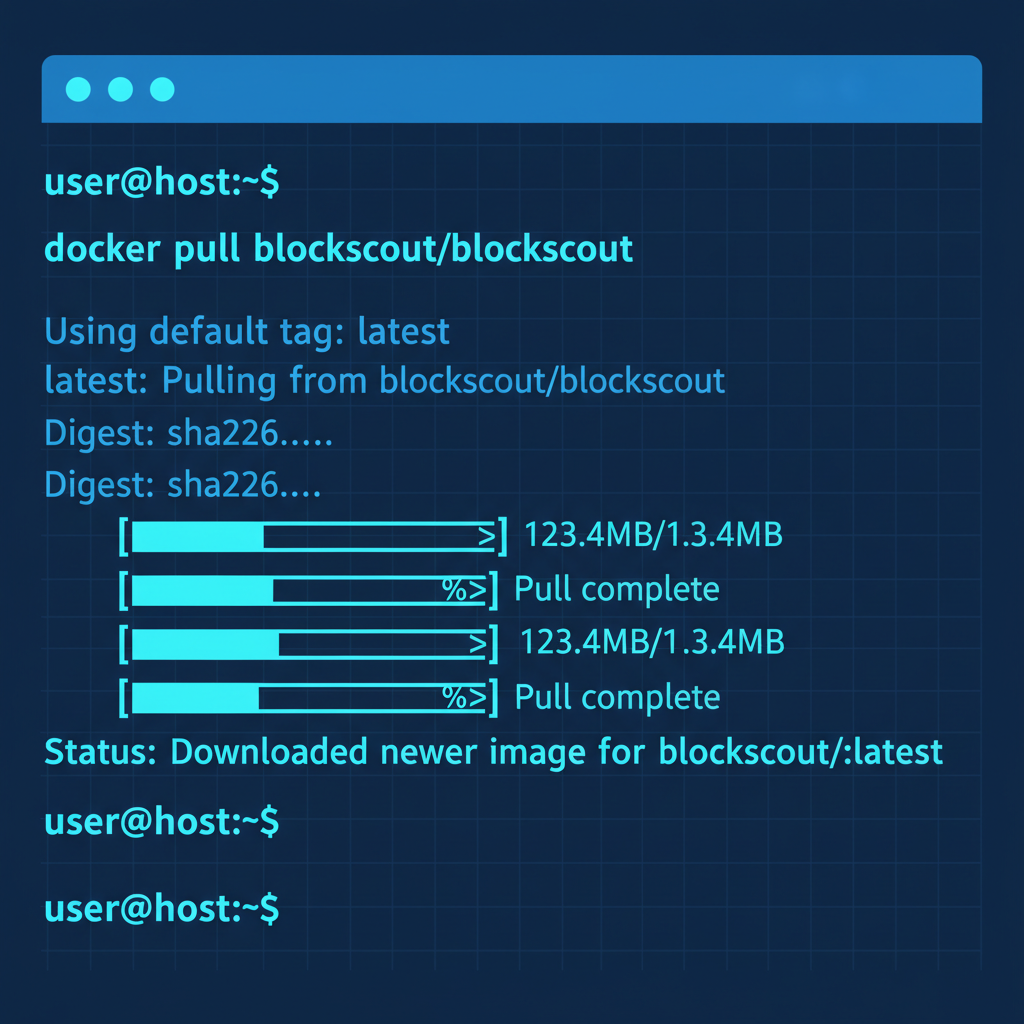
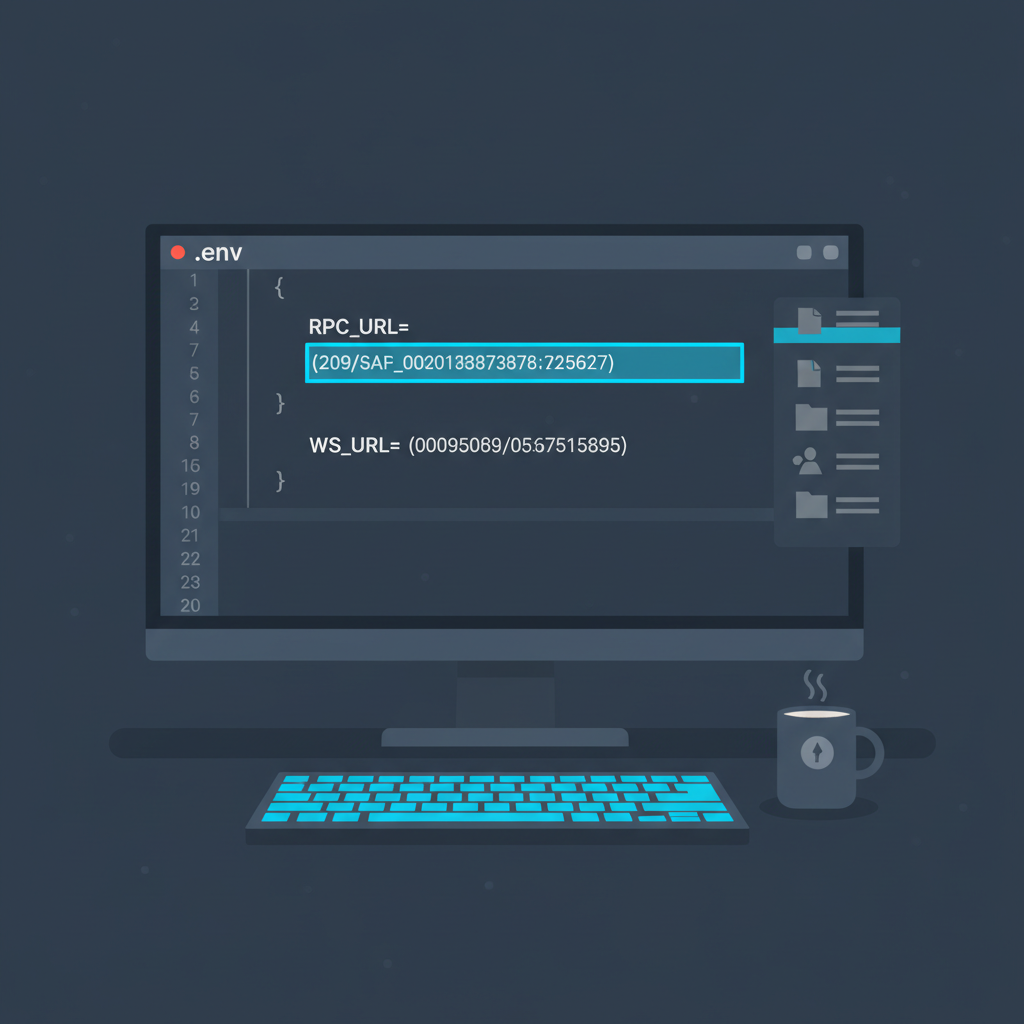
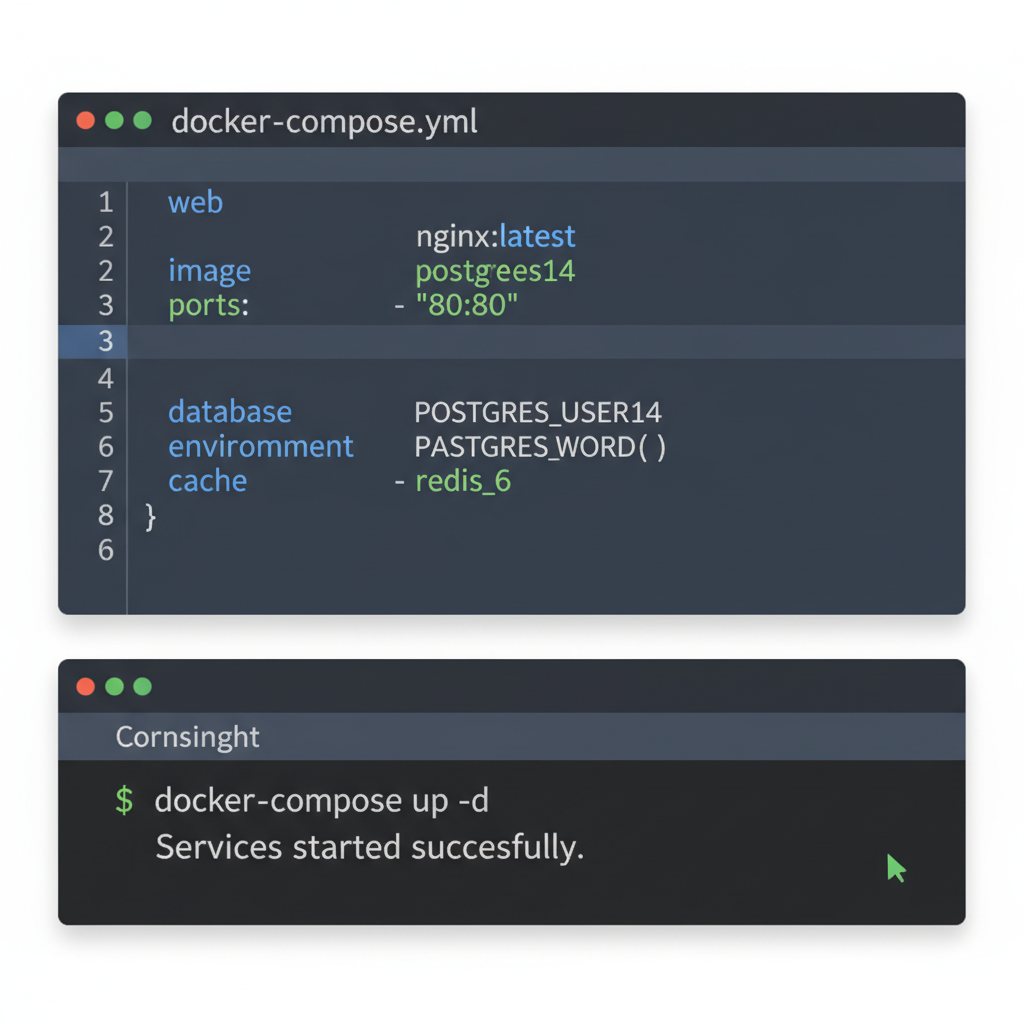
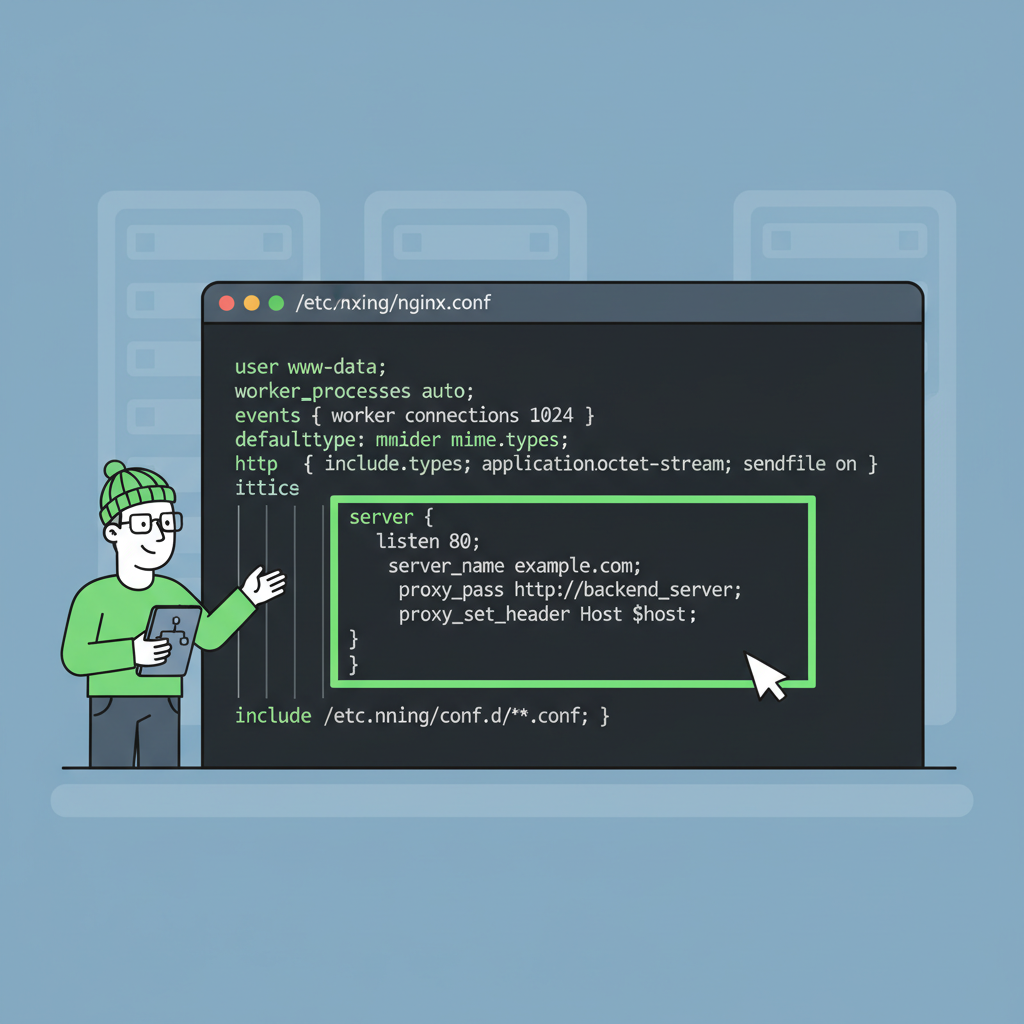
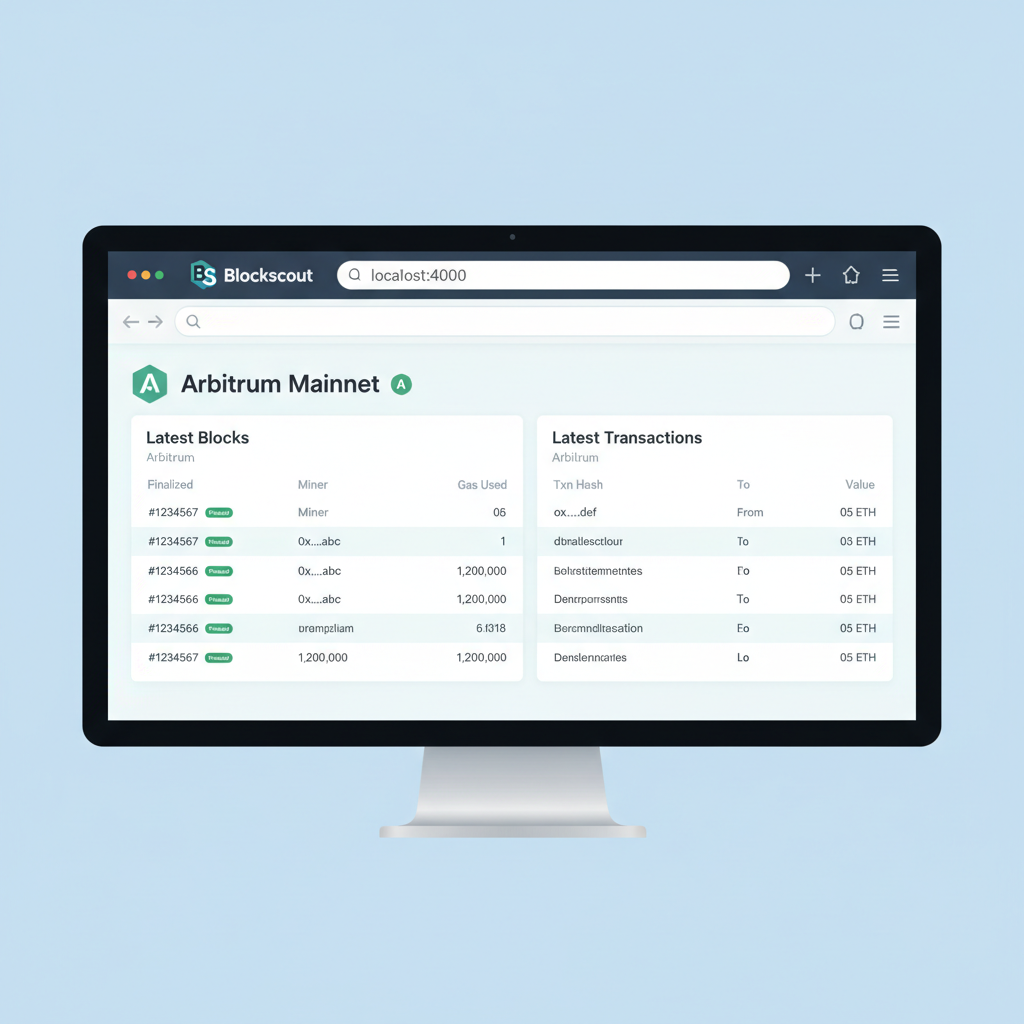
Our L3 DevRel kit bundles explorer configs alongside marketing assets: chainlists for wallet integrations, badge kits for social proof. I've seen teams falter post-launch from opaque analytics; proactive observability, paired with SEO docs starters, sustains momentum. Ankr's Orbit integrations exemplify this, blending custom gas with robust tooling.
Testing, Iteration, and Sovereign Launch
Rigorous testing cements reliability. Spin local nodes with Docker Compose from the boilerplate, simulating sequencer failures and high throughput. Bridge assets via the parent chain, execute dApps, and stress-test custom precompiles. OffchainLabs' tutorials repo offers scripts for this, aligning with our templates for end-to-end flows.
Iteration thrives on feedback loops: tweak sequencer configs for decentralization, experiment with DA layers like Celestia for sub-cent fees. Centralized sequencers suit early betas, evolving to permissionless as TVL grows. The Orbit Deployment UI simplifies reprovisioning, letting you iterate without full redeploys.
For production, migrate to mainnet parents like Arbitrum One, scaling with Zeeve's managed nodes if sovereign ops overwhelm. Our Arbitrum Orbit L3 boilerplate includes migration checklists, ensuring seamless upgrades. Developers I've advised thrive by treating chains as living portfolios: diversify DA, rebalance tokenomics, monitor macro shifts in rollup adoption.
This boilerplate doesn't just deploy chains; it launches ecosystems. With customization depth from Nitro code to DevRel polish, teams hit escape velocity faster. Sovereign rollups via Orbit aren't a trend - they're the architecture defining Web3's next era, and this template arms you to lead it.




No comments yet. Be the first to share your thoughts!