
Spin up a sovereign rollup locally
You can stand up a fully functional L3 appchain boilerplate for sovereign rollups right on your localhost in under five minutes. This quick setup lets you test the core architecture, verify contract interactions, and iterate on your business logic without touching public testnets or incurring gas fees.
The process relies on standard developer tooling. You will clone the repository, install the necessary dependencies, and launch the node. Once running, the local instance mirrors the behavior of a production L3, giving you immediate feedback on your deployment.
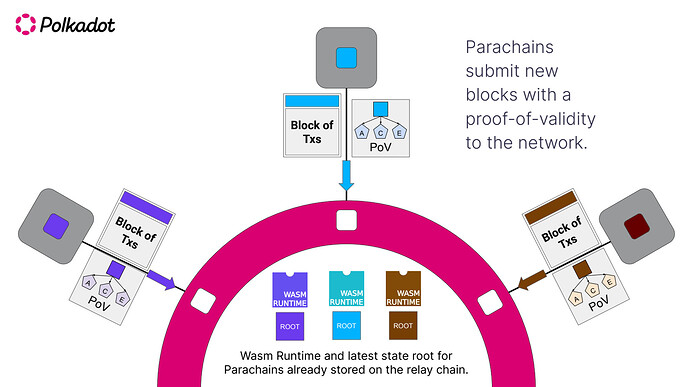
Open your terminal and clone the boilerplate repository to your local machine. This provides the foundational codebase, including the smart contracts and node configuration files required to build your sovereign rollup.

Run the package manager command to install all required libraries. This step ensures that your local environment has the correct versions of the Starknet tooling, node clients, and contract interfaces needed to compile and deploy.
Execute the start script to initialize the local L3 environment. The node will spin up, sync the initial state, and expose the RPC endpoints. You now have a running sovereign rollup ready for contract deployment and testing.
Configure the L2 settlement layer
Connecting your L3 appchain to an L2 settlement layer like Starknet or Base is the final step in the "first-based" architecture. This connection ensures your chain inherits the security of the underlying network while maintaining its own execution environment. The boilerplate simplifies this by providing pre-configured RPC endpoints and provider instances.
Follow these steps to wire up the settlement layer.
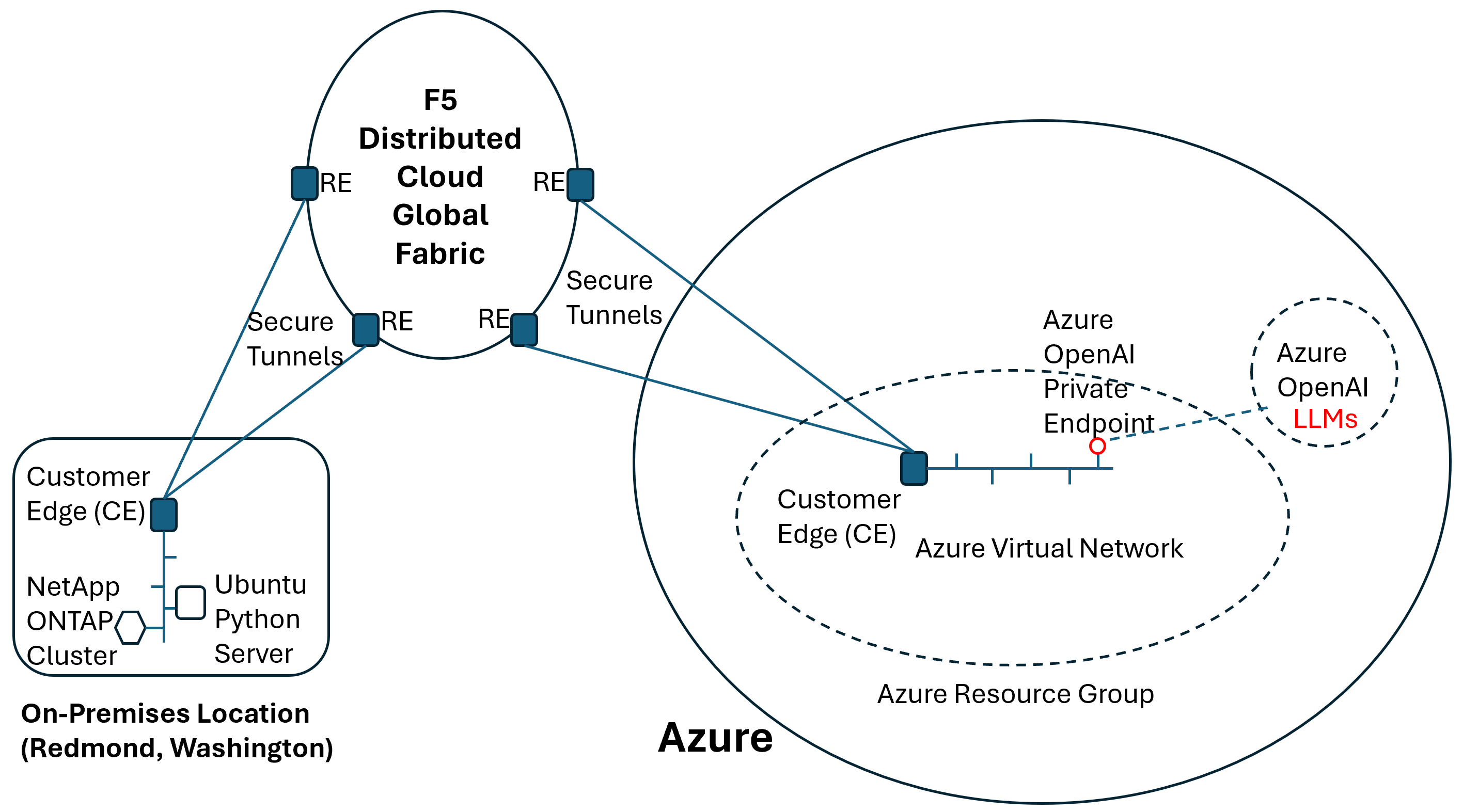
Locate the config.ts file in your project root. You will find a l2Provider object that defaults to a testnet endpoint. Replace the placeholder URL with the specific RPC endpoint for your chosen L2 network (e.g., Starknet Sepolia or Base Sepolia). This provider acts as the bridge, allowing your L3 to read state from the L2.
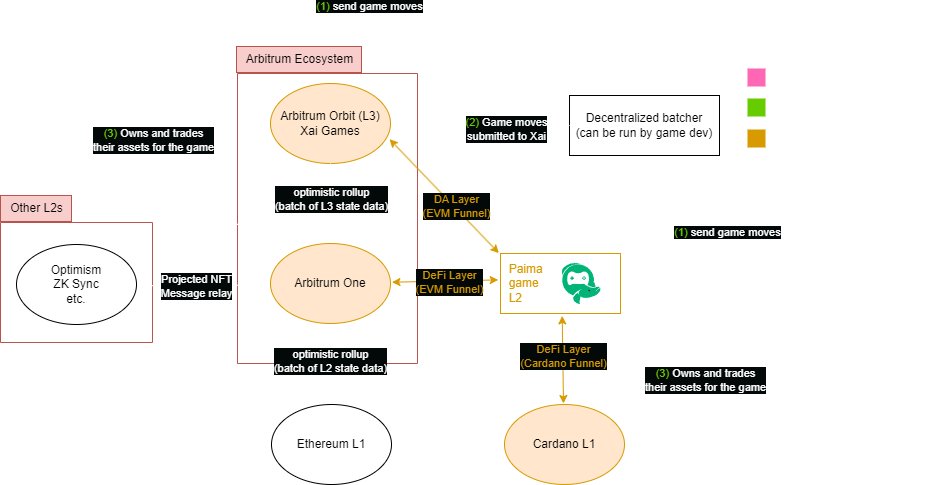
Run the local development server to ensure the connection is stable. The boilerplate includes a health check script that pings the L2 endpoint. If the connection fails, double-check that your RPC URL is correct and that you haven't hit any rate limits. A stable connection is critical for the synchronous data reading process.
Once the provider is set, deploy the necessary settlement contracts to the L2. The boilerplate includes a deployment script that handles the initialization of the bridge and state root contracts. This step locks your L3's state commitments onto the L2, enabling the "first-based" security model where the L2 is the source of truth.
This setup allows your L3 to synchronously read data from its L2 settlement layer in real-time. By handling the provider configuration and contract deployment through the boilerplate, you avoid the common pitfalls of manual bridge integration. For a deeper look at how this architecture improves customizability, refer to the Spire Docs on first-based L3s.
Bridge the settlement layer
Your L3 appchain boilerplate is live on localhost, but it is currently isolated. To make it functional for testing, you need to bridge assets from the L2 settlement layer to your new L3 chain. This step connects your sovereign rollup to the underlying liquidity and security of the base layer.
The boilerplate typically includes a pre-configured bridge contract. You do not need to write new smart contracts for this; you simply need to execute the transfer commands provided by the deployment script.
Open your wallet interface and ensure you are connected to the L2 network specified in your boilerplate configuration (e.g., Starknet, Arbitrum, or Optimism). Verify that your wallet holds a small amount of the native L2 token to cover bridge transaction fees.
Navigate to the bridge interface provided in your boilerplate dashboard. Initiate a deposit of your desired test assets (ETH or USDC) from the L2 network. Confirm the transaction in your wallet. This locks the assets on L2 and prepares them for minting on L3.

Once the L2 transaction is confirmed, switch your wallet to your local L3 network. Use the "Claim" or "Withdraw" function in the bridge UI. This action triggers the bridge relayer to mint the equivalent assets on your L3 appchain. After a few seconds, your L3 wallet balance should reflect the deposited amount.
With assets bridged, your L3 appchain boilerplate is fully operational. You can now deploy contracts, swap tokens, and test your application logic with real value flowing between the settlement layer and your rollup.
Integrate DevRel kits for adoption
Your L3 appchain boilerplate includes a suite of ready-to-use DevRel assets. These components lower the barrier for external developers by providing a polished on-ramp to your ecosystem. Instead of building documentation and marketing materials from scratch, you can deploy a cohesive developer experience in minutes.
The kit typically includes a landing page template, a structured documentation site, and social media assets. These elements work together to signal legitimacy and ease of use. When a developer lands on your site, they should immediately see how to connect, test, and build.
Before launching your chain to the public, ensure these core components are active and accessible. A missing faucet or broken explorer link can stall adoption before it starts. Use the following checklist to verify your DevRel readiness:
-
Landing Page: Deploy the boilerplate template with your chain’s name, logo, and key metrics.
-
Documentation: Ensure the docs site is live, with clear getting-started guides and API references.
-
Faucet: Verify that the testnet faucet is functional and has sufficient token supply.
-
Block Explorer: Confirm the explorer is indexing blocks and displaying transaction data correctly.
-
Social Links: Add links to your Discord, Twitter, and GitHub in the site footer and docs sidebar.
Once these assets are in place, your L3 appchain is positioned for external developer adoption. The boilerplate ensures consistency, while the checklist guarantees that no critical on-ramp is missing.
Fix common configuration errors
Deploying an L3 appchain boilerplate is fast, but misconfigured settings are the most common reason deployments stall. RPC timeouts and settlement layer mismatches usually stem from a few specific oversights. Check these items before you run your deployment script to avoid frustration.
Verify Network IDs
The most frequent error is a mismatch between the local network ID and the target chain. If your configuration points to the wrong network ID, the deployment script will fail to broadcast transactions or will hang indefinitely. Double-check that your network_id matches the target Starknet network (mainnet or testnet) exactly. A small typo here breaks the entire connection.
Check RPC Health and Endpoints
RPC timeout errors often indicate that the endpoint is unreachable or overloaded. Before deploying, verify that your RPC URL is active and responding to basic requests. If you are using a third-party provider, ensure you have not hit rate limits. Switching to a different RPC endpoint or adding a fallback can resolve connectivity issues quickly. You can test the connection with a simple eth_blockNumber call to confirm stability.
Validate Settlement Layer Configuration
Your L3 appchain must settle on a compatible layer. Misconfigured settlement layers cause the bridge to reject deposits or fail to finalize blocks. Ensure your settlement_layer and bridge_address match the intended L2 chain. If you are deploying on Starknet, verify that the bridge contract addresses are correct for the specific network you are targeting. An incorrect bridge address will cause silent failures during the initial setup phase.
Watch the live demo video
See the L3 appchain boilerplate deploy in real time. This video walks through the exact steps to spin up a fully functional appchain, including landing pages, authentication, and payments, in under five minutes.
No comments yet. Be the first to share your thoughts!